Hospital Automation Robotics Workflows#
Workflows for robotic manipulation, transport, and procedural support in hospital environments.
Workflows#
| Workflow | Demonstration | Supported modes (guide) |
|---|---|---|
assemble_trocar |
Lift, align, insert, place, and release a trocar with a Unitree G1. | policy, replay, idle |
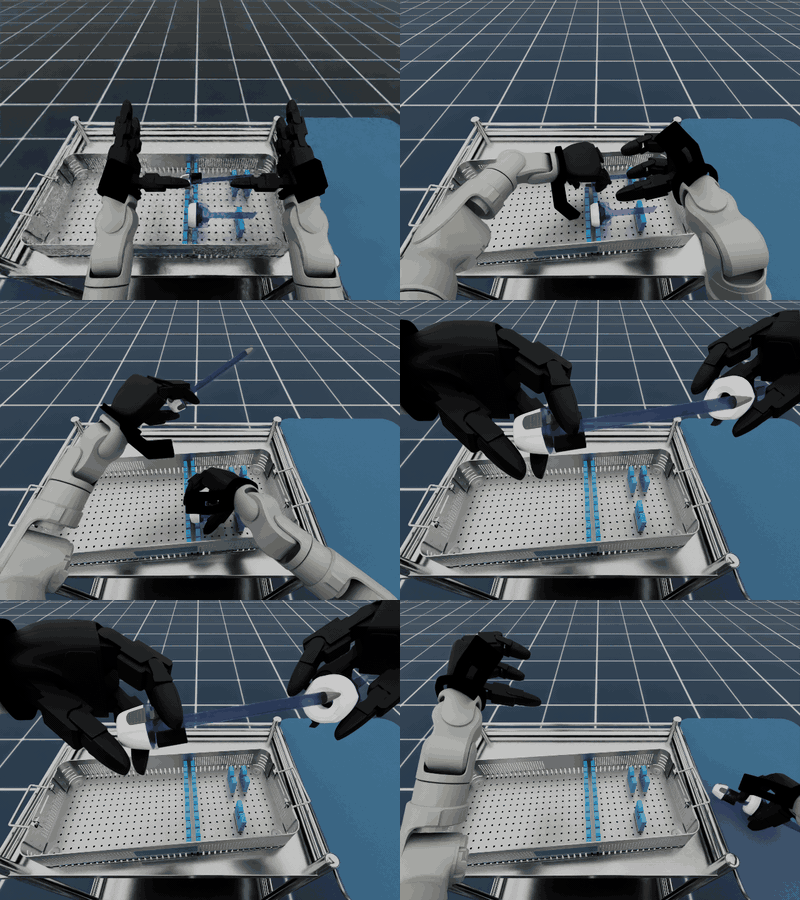
locomanip_push_cart |
Walk to a cart, grip it, and push it forward with a Unitree G1. | policy, teleop, replay, idle |
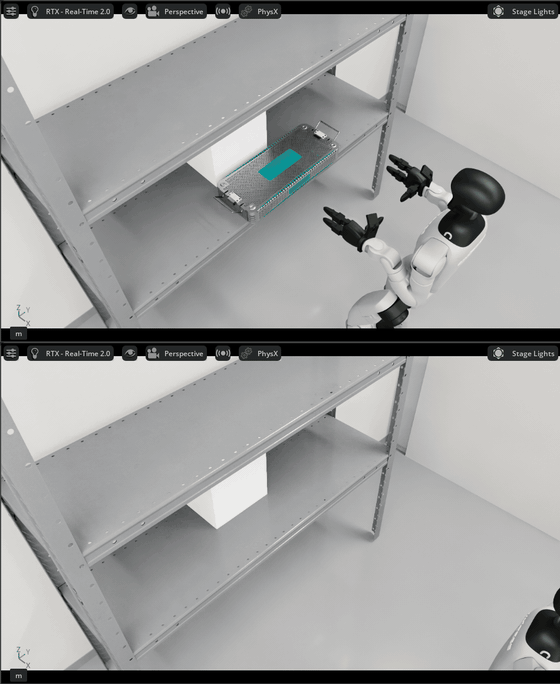
locomanip_tray_pick_and_place |
Move a surgical tray from a shelf to a cart with a Unitree G1. | policy, teleop, replay, idle |
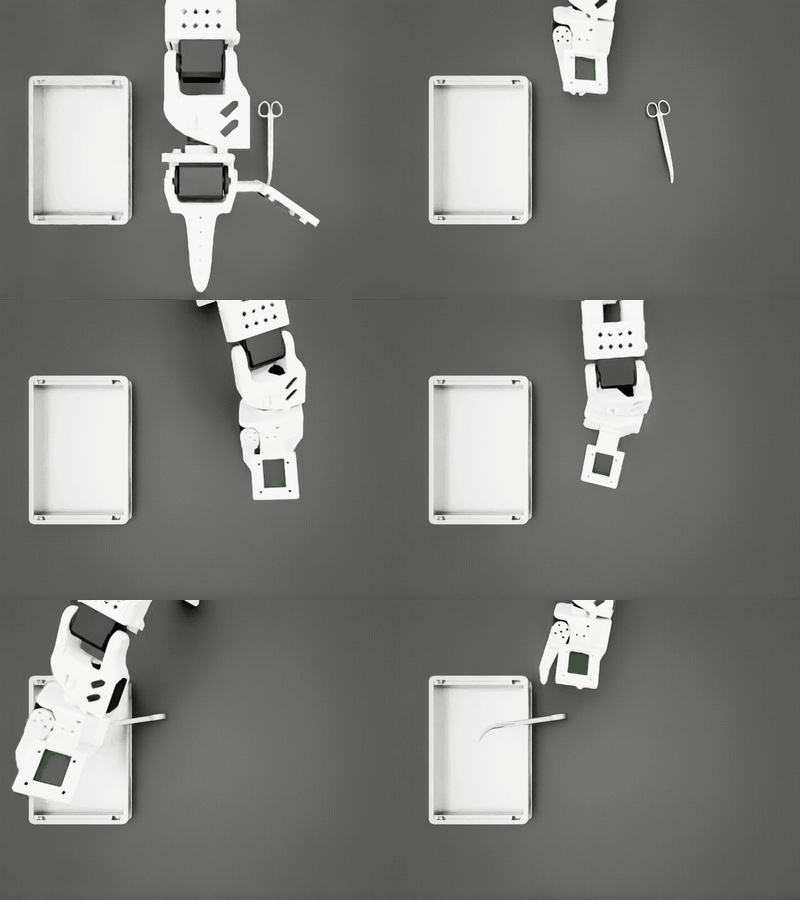
scissor_pick_and_place |
Pick up surgical scissors, place them in a tray, and return an SO-ARM 101 home. | policy, policy_n17, rule-based, teleop, replay, idle |
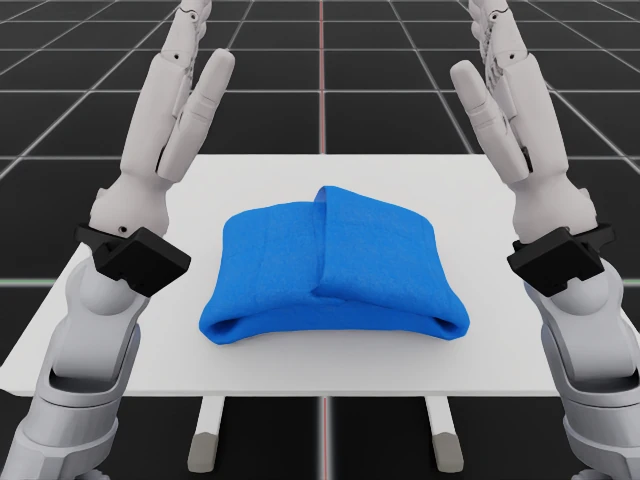
spread_tablecloth_g1 |
Spread a deformable tablecloth with Unitree G1 and Inspire hands. | teleop (XR), replay, idle |
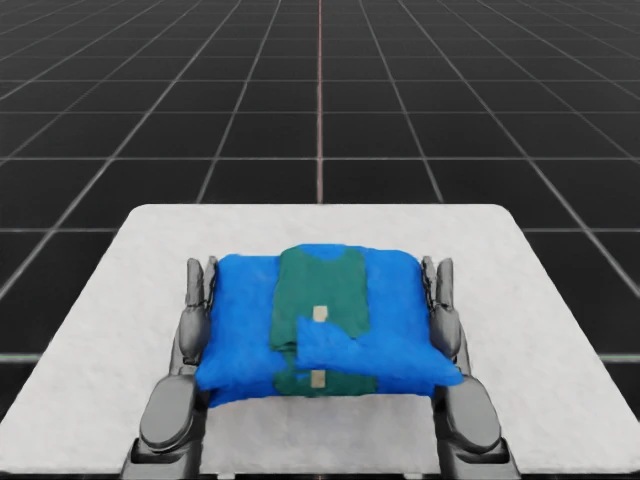
spread_tablecloth_h2 |
Spread a deformable tablecloth with Unitree H2 and Sharpa Wave hands. | teleop (XR), replay, idle |
See tablecloth XR setup and recording.
policy_n17 is a workflow-specific extension for an alternative policy stack.
Demonstrations#
Open a preview to view the animated demonstration.
assemble_trocar |
locomanip_push_cart |
|---|---|
 |
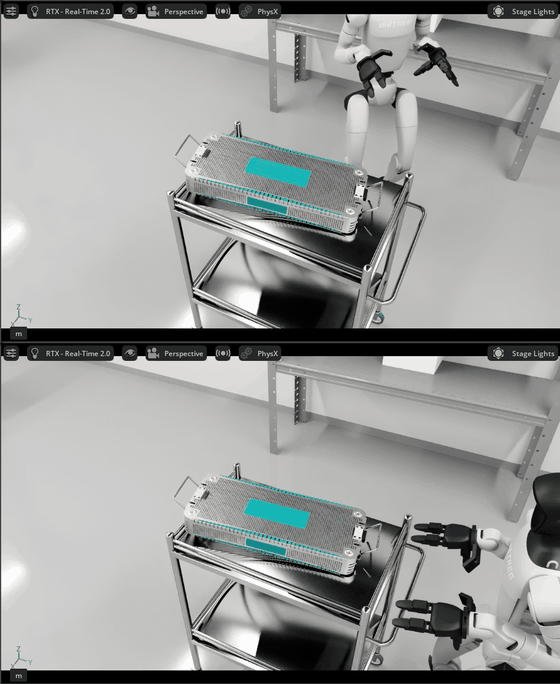 |
locomanip_tray_pick_and_place |
scissor_pick_and_place |
|---|---|
 |
 |
Tablecloth camera screenshots from simulator validation:
spread_tablecloth_g1 |
spread_tablecloth_h2 |
|---|---|
 |
 |
Note: Complete the project setup before you begin.
Run with an AI Agent#
Paste any prompt into Claude Code, Codex, or the repository's Local Agent:
Evaluate trocar assembly for 1 episode.

Evaluate locomanip push cart for 1 episode.

Evaluate locomanip tray pick and place for 1 episode.

Evaluate scissor pick and place for 1 episode.
The agent runs the selected workflow, verifies the episode result, and inspects its recorded artifacts.
Run from the Command Line#
# Assemble a trocar with the GR00T N1.5 policy.
./run.sh assemble_trocar --policy

# Push a cart with the GR00T N1.6 policy.
./run.sh locomanip_push_cart --policy

# Move a tray with the GR00T N1.6 policy.
./run.sh locomanip_tray_pick_and_place --policy

# Pick and place scissors with the rule-based controller.
./run.sh scissor_pick_and_place --rule-based

# Control the scissor workflow with the keyboard.
./run.sh scissor_pick_and_place --teleop
Assemble Trocar RL Post-training#
Start with a GR00T N1.5 checkpoint fine-tuned for Trocar. It must contain new_embodiment modality and normalization metadata. The unadapted nvidia/GR00T-N1.5-3B base model lacks this metadata and cannot be used directly.
Train with an AI Agent#
RL post-train assemble_trocar with this checkpoint:
  /absolute/path/to/gr00t-checkpoint
Evaluate and export the result, then validate the workflow.

RL post-train assemble_trocar with the pinned
  nvidia/GR00T-N1.5-RL-Rheo-AssembleTrocar checkpoint from Hugging Face.
Evaluate and export the result, then validate the workflow.
The agent dry-runs, trains, evaluates, exports, and validates the policy.
Train from the Command Line#
Choose a starting checkpoint, then run the training preflight:
# Option 1: use an existing downloaded checkpoint.
GR00T_MODEL_DIR=/absolute/path/to/gr00t-checkpoint

# Option 2: download the workflow's compatible Trocar checkpoint.
# tasks/gr00t_n15/.venv/bin/hf download nvidia/GR00T-N1.5-RL-Rheo-AssembleTrocar \
#   --revision b54e14286ed3f8392d614741748739e09c7fefe4 \
#   --local-dir ./data/models/GR00T-N1.5-RL-Rheo-AssembleTrocar
# GR00T_MODEL_DIR="$PWD/data/models/GR00T-N1.5-RL-Rheo-AssembleTrocar"

./train.sh rl assemble_trocar \
  --model-path "$GR00T_MODEL_DIR" \
  --num-envs 64 \
  --epochs 1000 \
  --dry-run
The dry run checks checkpoint embodiment metadata and whether the rollout samples divide evenly into PPO batches. Training disables automatic episode recording. RLINF_TIMEOUT defaults to 720 minutes; set it explicitly to override the collective timeout for your rollout duration.
Trocar training requires two visible GPUs: one for GR00T N1.5/RLinf and one for Isaac Sim/Arena. After the dry run passes, remove --dry-run to train. Then evaluate and export the generated run bundle:
# Copy the timestamped run directory printed by the training command.
TRAIN_RUN="$PWD/runs/assemble_trocar/YYYYMMDD_HHMMSS"

./train.sh rl assemble_trocar \
  --eval \
  --checkpoint "$TRAIN_RUN" \
  --video
./train.sh rl export assemble_trocar \
  --checkpoint "$TRAIN_RUN" \
  --output-dir "$TRAIN_RUN/exported"
./run.sh assemble_trocar --policy \
  --checkpoint "$TRAIN_RUN/exported"
RLinf PPO post-training is a separate training lifecycle, not a workflow run mode.
Across RLinf profiles, optional training and periodic evaluation recordings warn on encoder or writer-close failures. Standalone evaluation requires a decodable video when requested with --video or effective env.eval.video_cfg.save_video=true; video failures return nonzero with a video diagnostic. --set uses Hydra 1.3.2 in both dry-run preflight and launch, including + additions and ++ forced overrides.