Raytracing Ultrasound Simulator#
A high-performance GPU-accelerated ultrasound simulator using NVIDIA OptiX raytracing.
The simulator implements the straight-ray approach of Bürger et al. (2013), IEEE Transactions on Medical Imaging: plausible, real-time B-mode images from labeled surface meshes, well suited to sim-to-real robotics perception and ML data generation. Wave effects such as diffraction, interference, and phase are not modeled — see capabilities and limitations before relying on it for quantitative acoustics or signal-processing work.
Features#
- GPU acceleration with CUDA and NVIDIA OptiX
- Python interface for ease of use
- Real-time simulation capabilities
- Support for curvilinear, linear, and phased array ultrasound probe simulation
Requirements#
Quick start#
Option 1: Using build_and_run.sh#
cd ultrasound-simulator
./build_and_run.sh examples/server.py
Open http://localhost:8000 for the web server.
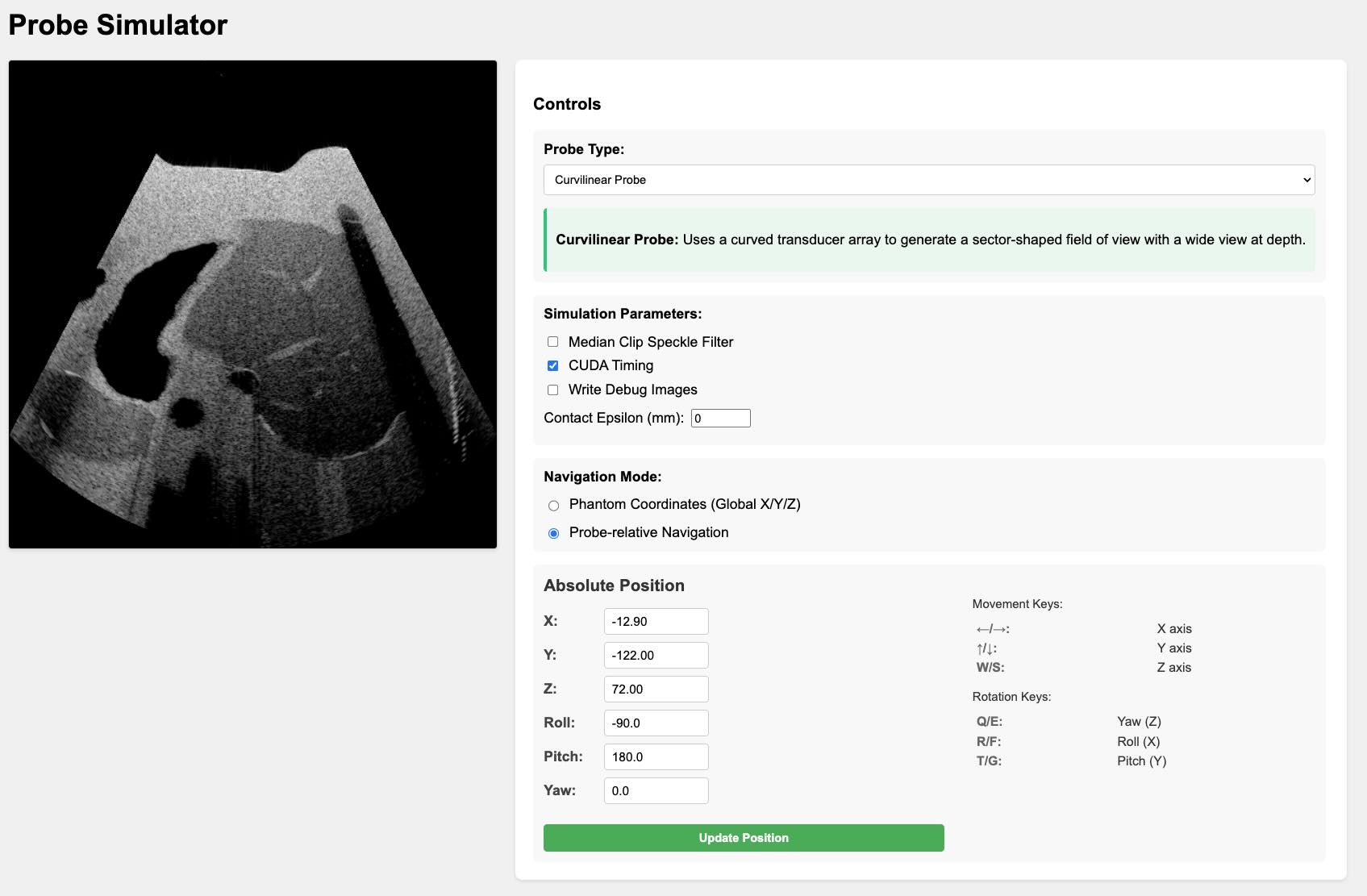
Option 2: Docker#
Instructions to build and run the examples in a docker environment can be found in the docs/docker_build.
Option 3: Bare-Metal Installation#
Instructions to build and run the examples on a bare-metal installation can be found in the docs/baremetal_build.
Start Simulating#
For a comprehensive guide on using the simulator, understanding its features, and exploring advanced topics, please refer to our documentation:
- Getting Started Guide: A step-by-step tutorial for beginners.
- Technical Guide: An in-depth look at the physics and implementation details.
Benchmark Results#
To reproduce these results, run python examples/benchmark.py.
Benchmark Results:
        Total frames: 200
        Average frame time: 0.0015 seconds
        Average FPS: 665.09
        Minimum FPS: 249.41
        Maximum FPS: 1500.11
        Date: 2026-10-14 22:21:19

        System Information:
        GPU: NVIDIA GB300 (250.7 GB, Driver: 610.43.02)
        CPU: Neoverse-V2 (72 cores)